XR-1 Dashcam Video Settings – Complete Guide
Applies to: CHIGEE XR-1 Discreet Motorcycle Dash Cam with dashcam
How to open: Open the CHIGEE Go App, open Dashcam View——tap the Settings
Frame Rate
Choose recording resolution and understand how long your microSD card can store footage before loop overwrite.
Collision Lock
When a sudden impact/vibration is detected, the current clip is locked (won’t be overwritten by loop recording).
- Sensitivity: High / Medium (default) / Low / Off
- Tip: Rough roads/off-road can cause frequent locks. If you see a lock icon or hear the shutter sound repeatedly, set sensitivity to Low or Off.
Parking Monitoring
If the bike is shaken while parked, the device silently records a ~60second video.
- Sensitivity: High / Medium (default) / Low / Off
- Note: Requires sufficient power in your setup; for battery protection, the system may disable parking monitor at low voltage.
Data Overlay
Add video-related data overlays such as time, speed, and latitude/longitude.
- Individually toggle the display of time, speed, and latitude/longitude data watermarks in the settings to suit your preferences.
- Add further riding data by using the optional XR-1 Wired GPS Handlebar Controller.
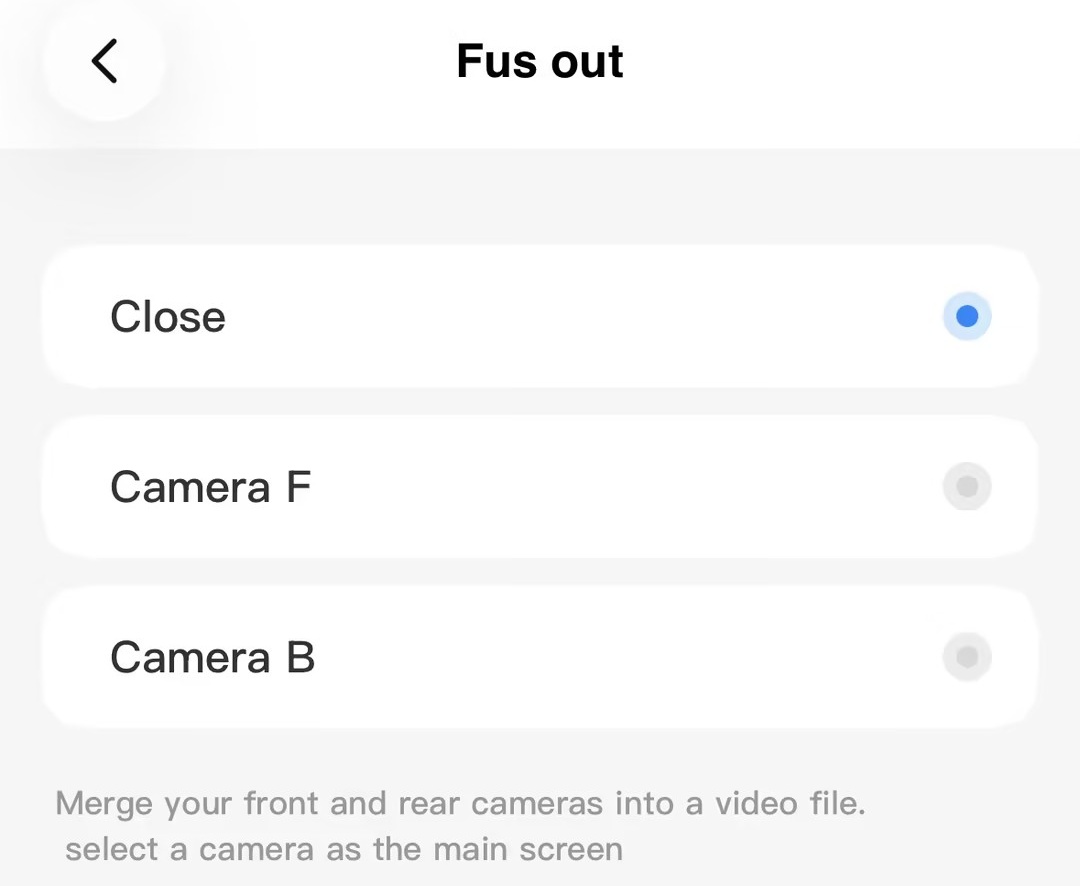
Fusion Output
Your settings lock the primary and secondary views at recording time. Once merged, the footage can't be switched between cameras during playback.
- Close: Two files (front.mp4, rear.mp4)
- Camera F: Front camera as the primary view
- Camera B: Rear camera as the primary view
When to use: Use Fusion if you prefer a single timeline; use Separate if you edit front/rear independently.
Recording Indicator Light
Controls the visual cue that recording is active.
- On → The on-screen REC indicator blinks during recording (helpful confirmation).
- Off → Stealth mode; recording continues without the blinking indicator.
Turning this off does not stop recording.
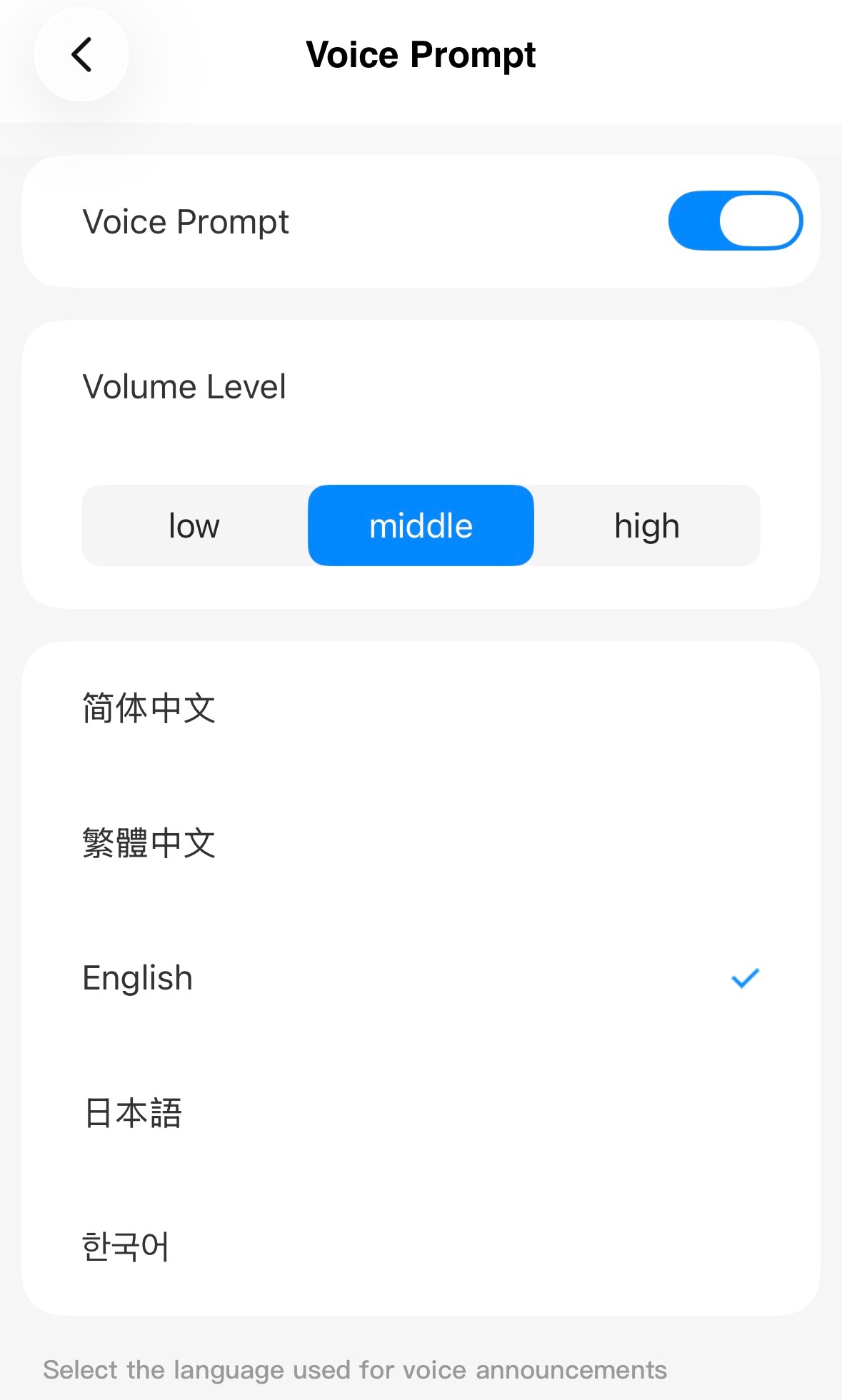
Voice Prompt
Enable or disable proactive voice alerts, or set their language and volume.
Note: Voice prompts currently support only Chinese, English, Japanese, and Korean.